


Overview
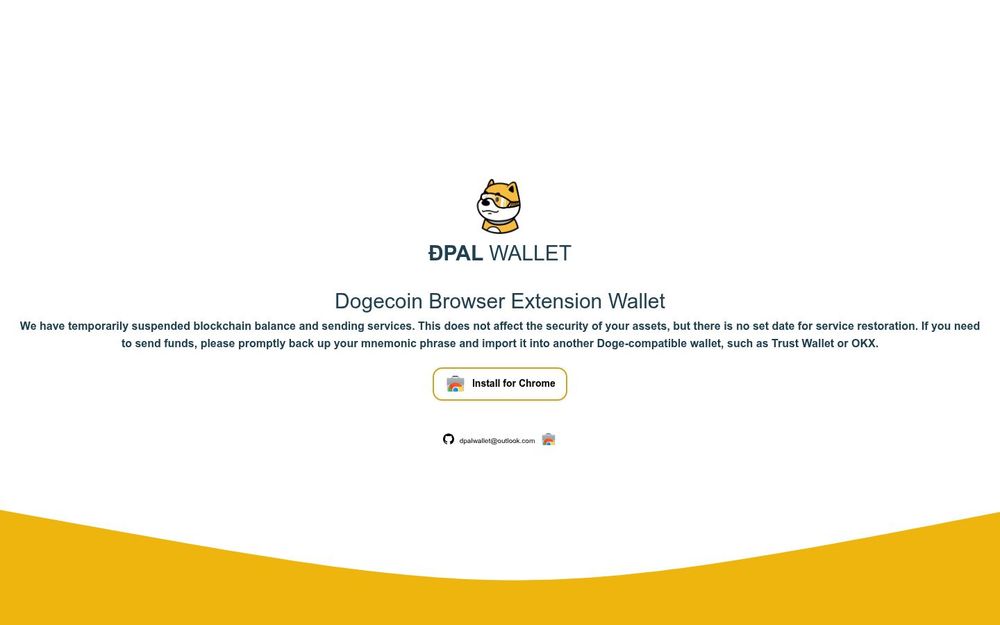
ÐPAL WALLET is a browser extension wallet focused on the Dogecoin ecosystem. It is presented as a lightweight, in-browser wallet solution that aims to make handling Doge convenient for users who prefer a browser-based experience. The website provides a Chrome installation link and a link to a GitHub repository, which suggests openness to community inspection and development. At the time of the notice on the site, the project has temporarily suspended blockchain balance display and sending functions; the team clarifies that this suspension does not compromise the security of stored keys or mnemonic phrases.
Core Capabilities
-
Compatibility: Designed primarily as a Chrome extension for convenient in-browser use and quick access to Dogecoin accounts.
-
Private Key / Mnemonic Management: Provides local mnemonic-based account restoration and management, enabling users to control private keys on their devices.
-
Open Development Link: The site links to a GitHub repository, implying the potential for open-source code review, issue reporting, and community contributions.
-
Lightweight Wallet UX: Aims to deliver a simple, minimal interface for users who need straightforward access to Dogecoin balances and transactions when services are available.
-
Installation Accessibility: Direct links and Chrome Web Store references make it easy for users to find and install the extension.
-
Browser Extension: The wallet is packaged as a Chrome extension so users can interact with Dogecoin directly from their browser toolbar without needing a separate desktop application.
-
Mnemonic Backup and Restore: Users can back up their mnemonic phrase and restore the wallet in other compatible Doge wallets. The site explicitly recommends backing up the mnemonic and provides guidance to import it into alternatives such as Trust Wallet or OKX if sending features are unavailable.
-
Account Security Emphasis: The team emphasizes that the temporary suspension of balance and sending features does not impact the security of user assets, meaning private keys remain under user control on their devices.
-
Developer Transparency: A direct link to the GitHub repository offers users a route to inspect the codebase, file issues, or follow development progress, which is important for trust and auditability.
-
Installation Path: Clear calls-to-action and Chrome Web Store links streamline the installation process, lowering the barrier to entry for users who want a quick installation.
How to Use (Practical Steps)
- Install the extension from the Chrome Web Store link provided on the site.
- Create a new wallet or restore an existing one using your mnemonic phrase.
- If you need to transact but the wallet is not offering sending services, export or copy your mnemonic and import it into a Doge-compatible wallet like Trust Wallet or OKX to complete transactions.
Security and Limitations
-
The site currently warns of temporary suspension for blockchain balance and sending services; there is no ETA for service restoration. This is a functional limitation rather than a security compromise.
-
Because the wallet uses mnemonic-based key management, the security of funds depends on how well users protect their mnemonic phrase. The site strongly advises backing up the mnemonic immediately if users need to send funds using alternative wallets.
-
The presence of a GitHub link suggests potential for code inspection, but users should verify the repository activity and review code or community feedback before trusting significant funds.
Why Consider ÐPAL WALLET
ÐPAL WALLET offers a simple, browser-native approach to Dogecoin management with an emphasis on portability and straightforward mnemonic handling. Its direct Chrome installation links and GitHub reference make it accessible to casual users and technically minded users alike. However, the temporary suspension of core blockchain features means anyone relying on active sending or live balance display should prepare a contingency by backing up and importing their mnemonic into another compatible wallet. For users who prioritize convenience and a browser-based workflow, ÐPAL WALLET remains an option to consider once full services are restored, provided users follow best practices for mnemonic security and verify the project’s current operational status.


