


Overview
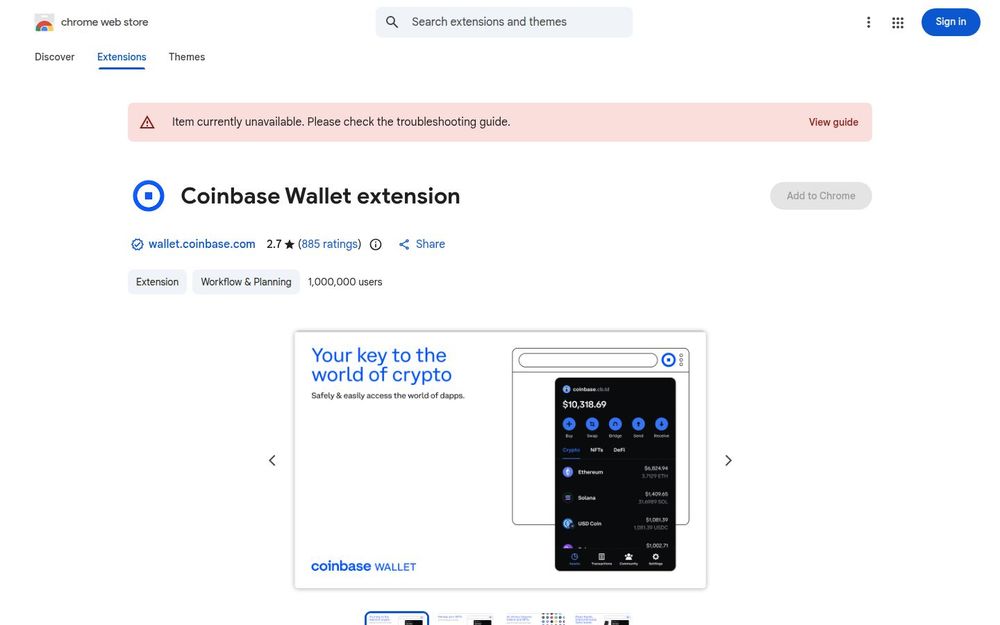
Coinbase Wallet extension is a browser-based, self-custody wallet that aims to give users direct control of their crypto assets while providing seamless access to decentralized applications (dapps). Installed as a Chrome extension, it acts as an interface between your browser and Web3 services — from NFTs and DeFi to token swaps and cross-chain interactions. The extension is marketed as a convenient way to explore the decentralized web with the security and user-friendly design associated with Coinbase's broader product family.
Core Capabilities
-
Web3 dapp connectivity: Connect to thousands of decentralized applications across Ethereum and EVM-compatible networks (Avalanche, Polygon, BNB Chain) and interact with smart contracts directly from your browser.
-
Multi-chain support: Manage tokens on multiple blockchains, including Ethereum and EVM networks, with additional support for sending and receiving Solana and SPL tokens.
-
NFT management: View, import, and kickstart NFT collections — the extension surfaces token information and enables transactions related to NFT marketplaces.
-
DeFi access and trading: Use decentralized exchanges (DEXes) and DeFi protocols to swap tokens, provide liquidity, or pursue yield-generating strategies without leaving the browser.
-
Self-custody key management: Store and manage private keys locally in your browser extension, giving you full control over assets rather than relying on custodial services.
How It Works
The extension injects a Web3 provider into your browser context, enabling websites to request wallet connections and sign transactions. When you open a supported dapp, the extension prompts you to approve connections and operations. You can create a new wallet or import an existing wallet using a seed phrase/private key (always follow secure key-handling practices). The UI typically shows account balances, transaction history, token lists, and quick access to swaps or bridges supported by the wallet.
Security and Privacy
-
Local key storage: Private keys are stored on the user’s device, which is the hallmark of a self-custody wallet. This reduces third-party custody risk but increases the responsibility on the user to protect backups and access credentials.
-
Data usage disclosure: The developer has declared the types of data the extension may collect (financial and payment information, user activity) and provided a link to a privacy policy. The listing states that data is not sold outside approved use cases and is not used to determine creditworthiness.
-
Developer and support: The extension is published by Toshi Holdings Pte. Ltd, with support links and a contact email. Users should verify authenticity before trusting extensions and confirm they are installing the official Coinbase Wallet package.
Why Choose Coinbase Wallet Extension
-
Convenience: Quick interactions with dapps and marketplaces directly from the browser without switching devices.
-
Broad ecosystem access: Supports major EVM chains and Solana, enabling cross-network use cases at a single access point.
-
Familiar brand: Backed by Coinbase-related infrastructure and documentation, which may help users feel more comfortable exploring DeFi and NFTs.
Getting Started Tips
- Backup your seed phrase immediately and store it offline in a safe location.
- Use a hardware wallet integration if you require enhanced security for large holdings.
- Review and limit permissions when a dapp requests account access, and always confirm transactions before signing.
- Keep the extension and browser up to date to benefit from security patches and feature improvements.
Limitations and Considerations
-
User reviews on the Chrome Web Store show a mixed rating, so experiences may vary. Always research and cross-check community feedback and official documentation.
-
Being a browser extension, it is exposed to browser-based threats (phishing, malicious sites). Combine usage with browser hygiene and consider a dedicated browser profile for crypto activity.
Conclusion
Coinbase Wallet extension is designed to bridge everyday browsing and the decentralized web by providing self-custody, multi-chain access, and direct dapp connectivity. It offers convenience and a broad feature set for NFT collectors, DeFi users, and token traders, but it also requires disciplined security practices from users because custody of keys remains local. Review the privacy policy and developer resources before use, and follow best practices such as seed backups and transaction caution to make the most of the extension.


