


Overview
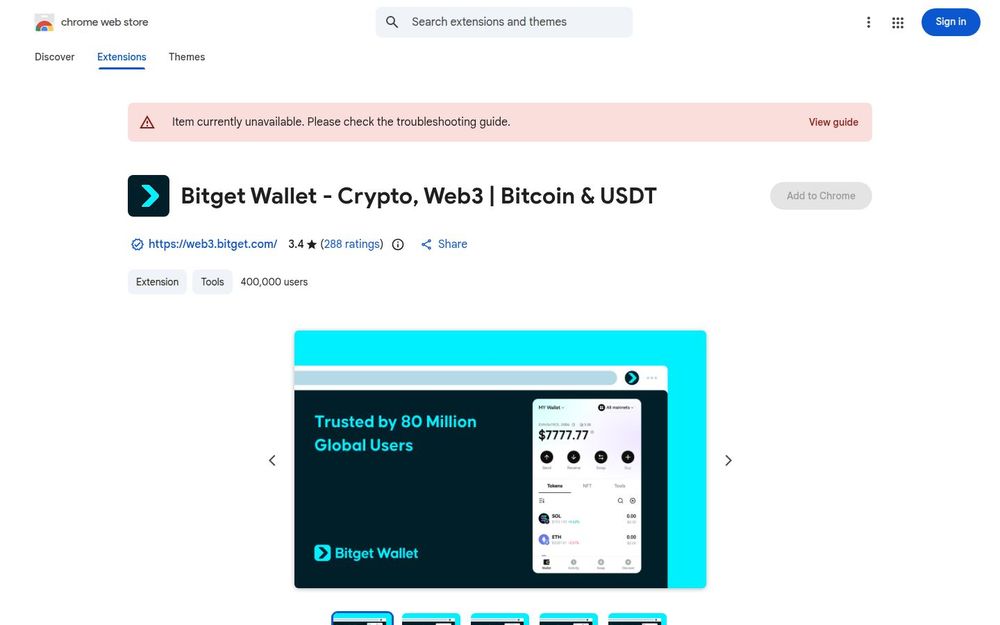
Bitget Wallet is a Chrome extension designed to bring Web3 functionality directly into your browser. It bundles a non-custodial multi-chain wallet with token swap capabilities, DeFi yield features, NFT and DApp interactions, and real-time market tracking. The extension targets both crypto beginners and experienced users by combining a simple interface with advanced features such as smart routing for swaps and cross-chain support across more than 130 blockchains.
Core Features
- Multi-chain wallet support: Manage Bitcoin, Ethereum, USDT, and many other tokens across 130+ blockchains from a single extension.
- Cross-chain token swaps: Perform swaps using a smart routing and gas optimization engine that seeks efficient, cost-effective trading paths.
- DeFi yield tools: Stake assets, join stablecoin pools, and track returns with features that facilitate earning yield directly from the wallet interface.
- Real-time market tracking: Discover trending tokens and early trading signals without leaving the extension, enabling timely decisions for traders.
- DApp and NFT interaction: Connect to decentralized applications and manage NFTs, facilitating a full Web3 experience inside Chrome.
Security and Privacy
Bitget Wallet is presented as a self-custody extension built on MPC (multi-party computation) wallet technology, which means private keys are intended to remain under user control rather than held by a third party. The developer discloses that data collection is limited — claiming the extension will not collect or use user data beyond core functionality — and highlights a stated protection fund to back asset protection claims. These security claims aim to reassure users, but as with any crypto tool, users should follow best practices: safeguard seed phrases, validate extension provenance, and use hardware wallets where possible for high-value holdings.
How to Use Bitget Wallet
Installation is done through the Chrome Web Store; once added, users can create a new wallet or import an existing one via seed phrase, private key, or supported recovery method. The interface typically offers:
- A dashboard to view balances across supported chains.
- A swap panel that suggests optimal routes and displays estimated gas/fees.
- A staking or yield tab for joining pools and monitoring APYs.
- A DApp connection modal to authorize browser-based interactions with decentralized apps.
Transactions are signed within the extension, and the wallet provides transaction history and basic portfolio tracking.
Why Choose Bitget Wallet
Bitget Wallet consolidates multiple common Web3 workflows into a single, browser-native experience. Its strengths include convenience (single extension for multi-chain management), integrated DeFi features (staking and yield pools), and native swap mechanics aimed at reducing fees and latency. The real-time market signals and discovery features are useful for users who want to monitor trends without switching tools.
Recommendations and Considerations
Before relying on any wallet, users should evaluate security trade-offs. While MPC and a protection fund are positive signals, they do not replace prudent user security practices. Beginners will appreciate the usability and integrated tutorials or guides, while advanced users may look for hardware wallet integration and deeper transparency on the custody and protection mechanisms. Always verify the developer site and extension identity, keep software updated, and never share seed phrases.
Getting Started
Visit the official site or Chrome Web Store listing to install the extension, follow the in-extension onboarding to set up or import a wallet, and review the privacy policy and help resources. For active DeFi participation, start with small transactions to confirm operations and gas settings, and gradually increase usage as you become comfortable with the wallet’s behavior and security model.


